AI Generative Outpainting

Uncrop & AI Expand Images
Online for Free

Easily uncrop and expand your images online using AI. Simply upload your image, extend the size of the canvas to fit any aspect ratio, and click generate.
Upload image to Uncrop & Expand

Drag & drop JPG, PNG, HEIC up to 50MB

Select Photo to Expand
Context-aware fill Social aspect ratios Zero quality loss
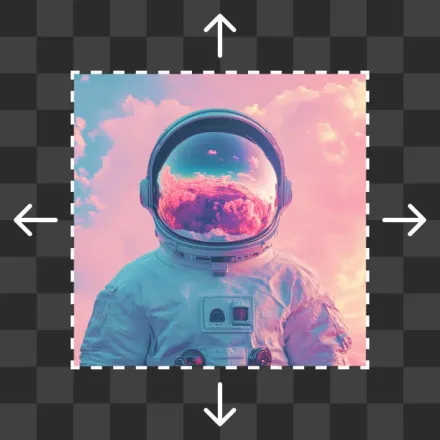
Interactive Outpainting Canvas
↑
↓
←
→
Original Canvas Subject
Ratio: 1:1 Square (1080 x 1080)
Watch AI Outpainting In Action

Expand beyond the frame with seamless realism

See how FLUX AI Studio extends scenery, skies, textures, and lighting without blurring or artifacting.

Simple Workflow

How to uncrop a photo

Turn any tightly cropped image into a spacious, panoramic masterpiece in seconds.

1

Upload your image

Click Upload Image and select a JPG, PNG, or HEIC file to uncrop. On desktop, you can also drag and drop your file anywhere on the screen.

2

Adjust image canvas

Select a preset aspect ratio or extend the canvas in any direction. For mobile devices, drag the image borders outward to expand.

3

Uncrop image

After setting the canvas size, click Generate. Our AI will automatically fill in missing details in seconds. Click Regenerate to explore variations.

4

Download your image

Your image is ready! Download your new image in full clarity, share it online, or continue refining with FLUX Studio tools.

Multi-Channel Adaptor

Adapt any photo for Instagram, TikTok, & YouTube

Never worry about black bars, awkward letterboxing, or cropped heads again. Convert a square 1:1 photo into a cinematic 16:9 banner or a vertical 9:16 story with natural generative fill.
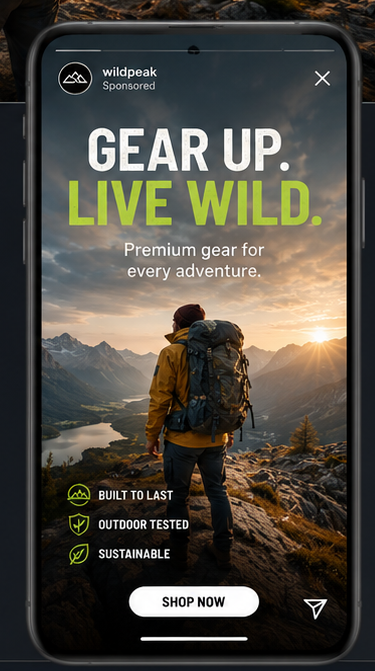
Social Story Expansion
Restoration & Recovery

Restore cut-off backgrounds and horizons

Reclaim missing skies, tree canopies, architectural arches, and studio floors that were cut off by old phone sensors or tight camera framing.
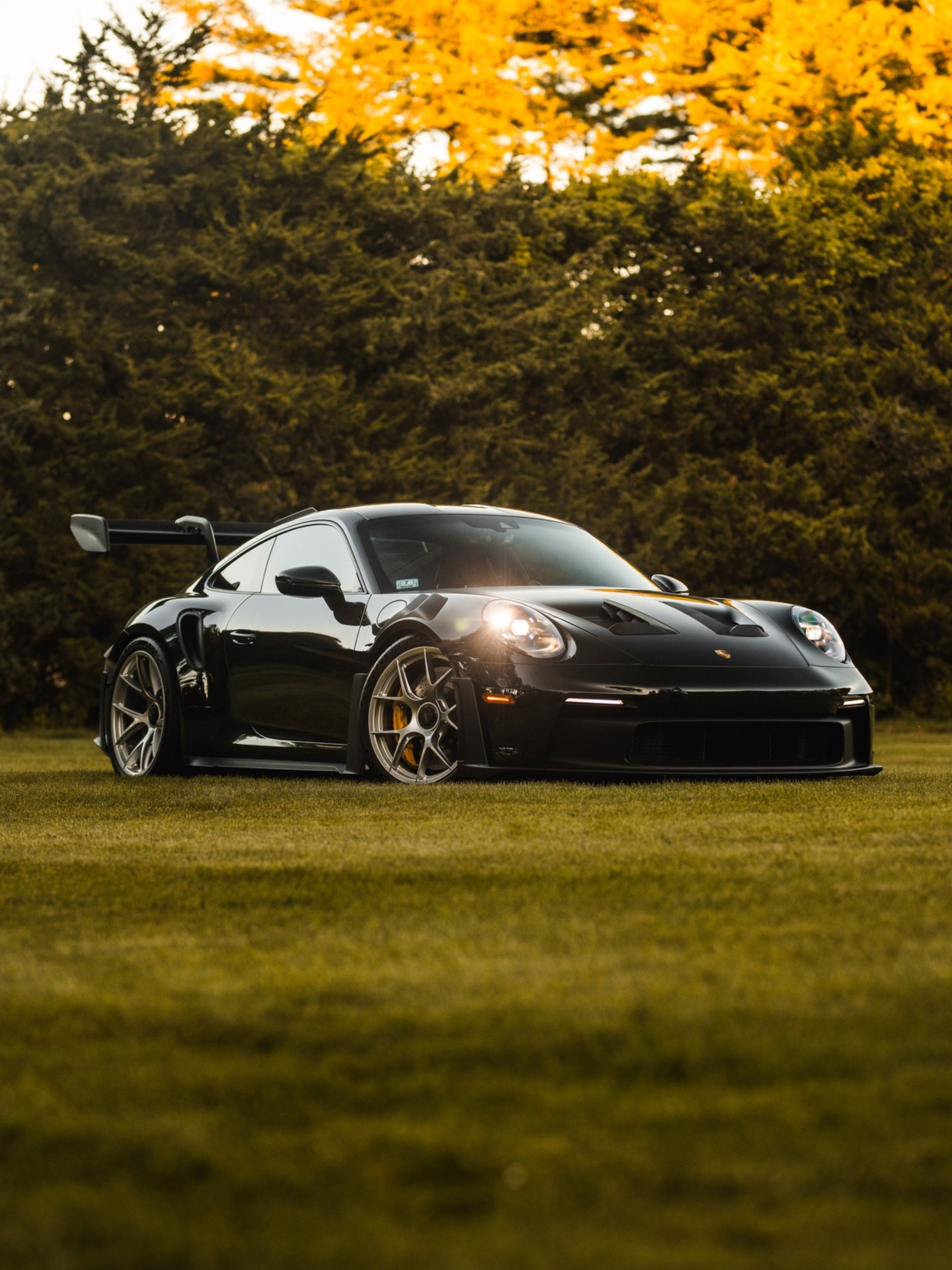
Estate Lawn Expansion

Uncrop & AI Expand FAQ

Everything you need to know about AI generative outpainting.

Uncrop is an AI image extender that expands an image’s canvas by generating realistic surrounding details that perfectly blend with the original image. It’s ideal for extending images to fit new dimensions or restoring details lost from prior cropping.
Yes, with FLUX AI Studio you can uncrop daily completely free! To enjoy unlimited image expansion, commercial batch exports, and access to 16K super-resolution, consider upgrading to the Pro version.
Yes, you can easily uncrop a photo directly on your phone using either your mobile internet browser or the native FLUX AI Studio Android & iOS apps.
To expand an image using AI with FLUX AI Studio’s Uncrop tool, start by uploading your photo to our platform. Select the direction(s) you wish to expand—up, down, left, or right—or pick an aspect ratio preset. Our AI analyzes the existing content and seamlessly extends the image, filling in new areas with context-aware details.
FLUX AI Studio is the best AI Image Extender, offering a fast, accurate, and user-friendly solution for expanding an image’s canvas. Whether you need to restore cropped sections or extend borders to fit specific dimensions, FLUX AI Studio’s AI-powered tool ensures precise and seamless results online without complex software installations.