Free AI Generative Fill
& Object Replacement
Use FLUX AI's generative AI to fill in images or replace elements with ease. Upload your image, brush what you want to change, describe it with a text prompt, and watch the magic happen!
Upload an image to Generative Fill
Supports JPG, PNG, HEIC up to 50MB

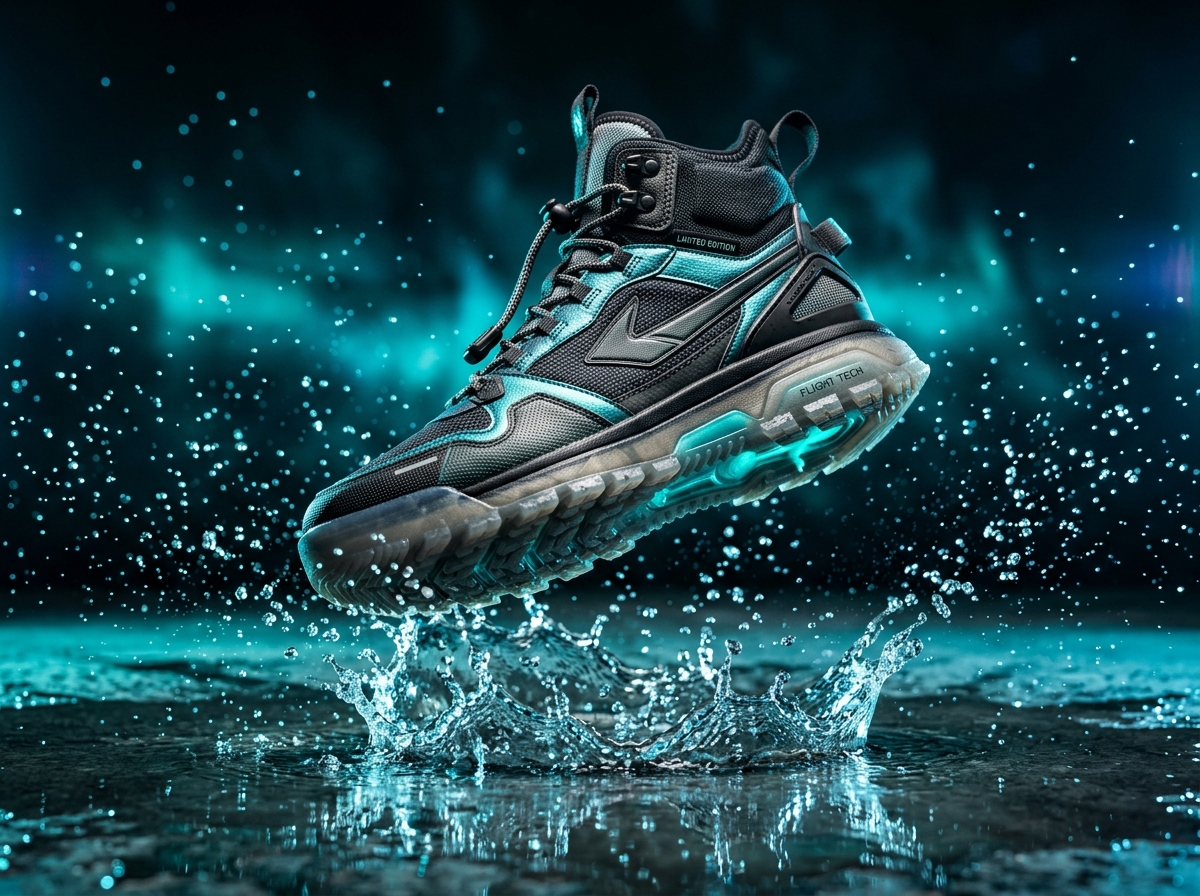
How to use Generative Fill
No complex layers, pen tools, or Photoshop subscriptions required.
Upload Your Image
Click Upload Image and select a JPG, PNG, or HEIC file to begin editing. On desktop, drag and drop your photo anywhere.
Make Your Selection
Use the brush tool to highlight the area you want to fill or replace. To swap an entire background, simply brush outward.
Enter a Text Prompt
Describe what you’d like to see in the selected area. The more descriptive your prompt, the richer the photorealistic detail.
Download Your Image
Once satisfied with the result, save and download in full 4K. Your new creation is ready for store listings or social media.
Replace any object with descriptive AI prompts
Turn an everyday mug into an antique brass clock, replace an old sneaker with luxury Italian leather loafers, or switch jewelry styles seamlessly. Our neural inpainter calculates surrounding shadows and lighting automatically.

Generate contextual backgrounds in seconds
Take indoor studio shots and place them in sun-drenched Mediterranean villas, Tokyo neon streets, or minimalist Scandinavian studios. Generative fill reconstructs floor caustics, bounce lighting, and surface depth.

Generative Fill FAQ
Answers to common questions about FLUX AI's Generative Fill tool.