Photoshop Alternative Online

Free AI Generative Fill
& Object Replacement

Use FLUX AI's generative AI to fill in images or replace elements with ease. Upload your image, brush what you want to change, describe it with a text prompt, and watch the magic happen!

Upload an image to Generative Fill

Supports JPG, PNG, HEIC up to 50MB

Free online tool No Photoshop needed Instant 4K export
Interactive Live Demo
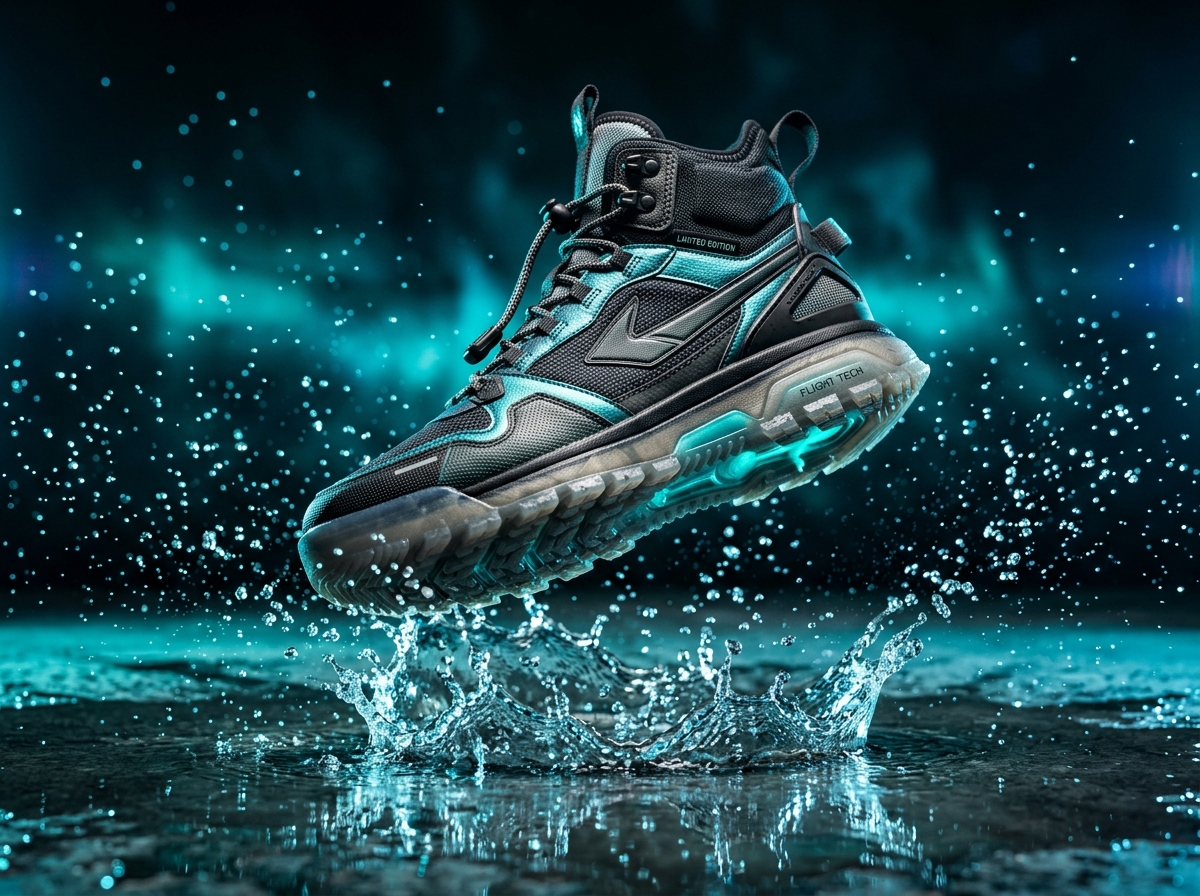
Streetwear Shoe
Before Generative Fill
After Generative Fill
Simple 4-Step Process

How to use Generative Fill

No complex layers, pen tools, or Photoshop subscriptions required.

1

Upload Your Image

Click Upload Image and select a JPG, PNG, or HEIC file to begin editing. On desktop, drag and drop your photo anywhere.

2

Make Your Selection

Use the brush tool to highlight the area you want to fill or replace. To swap an entire background, simply brush outward.

3

Enter a Text Prompt

Describe what you’d like to see in the selected area. The more descriptive your prompt, the richer the photorealistic detail.

4

Download Your Image

Once satisfied with the result, save and download in full 4K. Your new creation is ready for store listings or social media.

Precise Inpainting

Replace any object with descriptive AI prompts

Turn an everyday mug into an antique brass clock, replace an old sneaker with luxury Italian leather loafers, or switch jewelry styles seamlessly. Our neural inpainter calculates surrounding shadows and lighting automatically.

Generative Fill Fashion Jewelry
Scenic Synthesis

Generate contextual backgrounds in seconds

Take indoor studio shots and place them in sun-drenched Mediterranean villas, Tokyo neon streets, or minimalist Scandinavian studios. Generative fill reconstructs floor caustics, bounce lighting, and surface depth.

Generative Fill Moroccan Riad

Generative Fill FAQ

Answers to common questions about FLUX AI's Generative Fill tool.

Generative Fill is an advanced image editing tool that allows users to select specific areas of an image and fill them with AI-generated content using descriptive text prompts. This feature enables users to make creative edits, such as adding new elements or completely replacing existing objects within the image.
The best Photoshop Generative Fill alternative is FLUX AI Studio’s Generative Fill tool. It’s user-friendly, free to use, and delivers high-quality professional results. Additionally, FLUX AI Studio is entirely online, requiring no complex software installations. Whether you’re replacing objects, filling backgrounds, or adding creative elements to your images, FLUX AI Studio offers a seamless user experience perfect for both beginners and professionals.
Yes, FLUX AI Studio’s Generative Fill tool can be used commercially. It’s perfect for e-commerce store owners transforming product images by filling backgrounds or for real estate agents enhancing property photos with creative details. Our AI-powered image filler is designed to meet all your business needs with ease and precision.
Yes, FLUX AI Studio’s Generative Fill is free to use. The free version comes with a limit of daily downloads. To enjoy unlimited usage, faster batch generation, and 16K super-resolution exports, you can upgrade to the Pro version!
To generatively fill a background using FLUX AI Studio’s Generative Fill tool, start by uploading your image and selecting the background area you want to replace. Next, use the tool’s selection feature to highlight the background. Once selected, enter a text prompt describing the new background you’d like to create, such as “sunset beach” or “modern office setting.” FLUX AI will seamlessly generate the new background based on your description. When you’re happy with the result, simply download your new image.