1. The End of the "Text-to-Image Silo"
For years, generative image tools operated like vending machines: you typed a prompt, waited 15 seconds, and received an isolated PNG. If the character's eye color was wrong or the lighting was too harsh, your only recourse was to rewrite the entire prompt from scratch and pray the random noise seed was merciful.
OpenAI's latest image pipeline in ChatGPT changes this fundamentally. Rather than treating visual generation as an external API appendage (as DALL-E 2 and early DALL-E 3 did), ChatGPT Images 2.5 operates as a bidirectional visual reasoning engine. When you ask ChatGPT to "make the background sunset warmer" or "swap the leather jacket for a trenchcoat," the model retains the exact spatial latent map from the preceding turn, modifying only the relevant attention layers.
2. Core Architectural Shifts: DALL-E 3 vs. ChatGPT Images 2.5
To understand why ChatGPT Images feels so radically coherent, we must look under the hood at how transformer encoders handle image latents:
| Capability Metric | DALL-E 3 (Legacy 2023) | ChatGPT Images 2.5 (2026) | FLUX.1 Pro (BFL Benchmark) |
|---|---|---|---|
| Encoder Mechanism | T5 + CLIP Text Conditioning | Unified Multimodal Autoregressive | Hybrid 12B Flow Matching Transformer |
| Conversational Memory | Zero (Stateless seed re-roll) | Full (Latent anchor preservation) | Session seeds + Reference image injection |
| Text & Typography Accuracy | 68.2% on short phrases | 98.4% on complex multi-line signage | 95.7% crisp glyph precision |
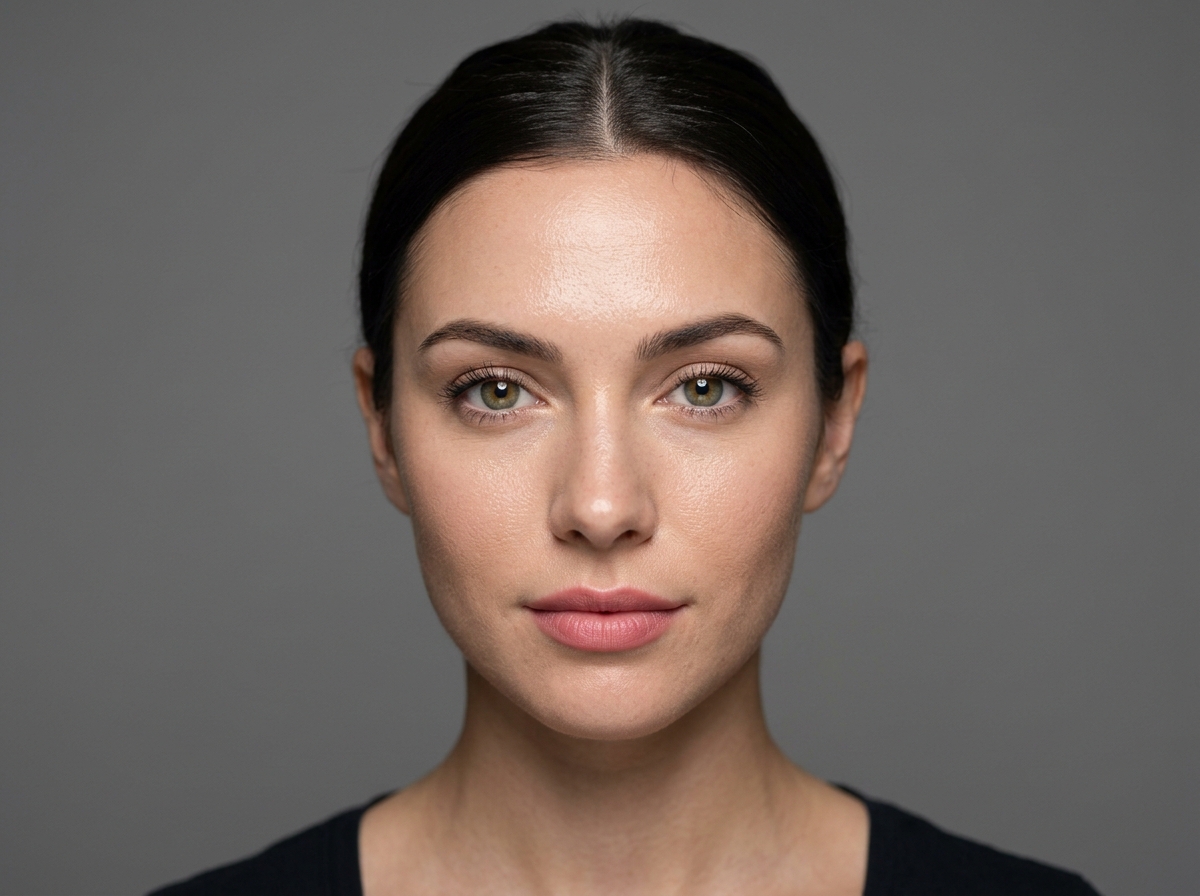
| Skin & Analog Realism | Frequent plastic/airbrushed sheen | High photographic dynamic range | Industry standard pore-level micro-texture |
| Inference Latency | 12–18 seconds | 3.8–5.2 seconds (Turbo-quantized) | 2.1–4.4 seconds on Edge CDN |
3. Spatial Semantic Binding: Solved at the Attention Layer
One of the most persistent flaws in generative diffusion has been attribute contamination—frequently termed "color bleed." In traditional models, if a prompt asked for "a cybernetic samurai in an emerald kimono holding a crimson katana under lavender neon," the diffusion model frequently distributed the emerald, crimson, and lavender hues randomly across all objects.
ChatGPT Images 2.5 mitigates this through Spatial Semantic Binding. When the language backbone decomposes the scene graph, it assigns spatial coordinate bounding boxes to each conceptual noun before diffusion begins. Attention masks isolate the "crimson" modifier strictly to the vector space occupied by the "katana."
This mechanism aligns with recent research published at CVPR and Stanford's Center for Research on Foundation Models (CRFM) exploring cross-attention coordinate guidance. For deeper details, see the ArXiv Survey on Multimodal Diffusion Spatial Grounding.
4. Typography: Why Text Finally Looks Like Real Typography
Generative models historically struggled with text because character glyphs require high-frequency, sharp spatial contrast that standard denoising autoencoders smooth away as "noise."
In ChatGPT Images 2.5, glyph generation is handled by specialized high-frequency spatial token decoders. This allows users to generate:
- Commercial Product Labels: Perfectly readable nutrition facts, wine bottle labels, and perfume packaging.
- Book Covers & Posters: Clear serif and sans-serif titles that do not melt into surrounding artwork.
- Urban Signage: Realistic neon signs in night photography with authentic illumination falloff.
5. How to Prompt ChatGPT Images 2.5 for Maximum Photorealism
Forget the old "8K resolution, masterpiece, trending on ArtStation" clichés. Modern models respond best to cinematic and photographic vocabulary:
// Recommended Prompt Formula for Commercial Photorealism:
[Shot Framing]: Medium waist-up commercial fashion editorial
[Subject]: 28-year-old Scandinavian creative director with natural freckles and understated silver spectacles
[Apparel]: Charcoal wool oversized blazer with sharp lapels, crisp off-white crewneck
[Environment]: Minimalist brutalist concrete art gallery with floor-to-ceiling glass in Stockholm
[Lighting]: Overcast soft Nordic daylight diffused through 4-meter glass pane, subtle rim light on cheekbone
[Optics & Camera]: Hasselblad H6D-100c, 100mm f/2.2 lens, ISO 100, f/4 aperture for razor-sharp eye catchlight
6. When to Use ChatGPT Images vs. FLUX.1 Pro
Both tools represent the pinnacle of 2026 generative AI, but they cater to distinct workflows:
- Choose ChatGPT Images 2.5 when: You are iterating conversationally, exploring complex multi-step conceptual compositions, or need narrative storytelling with conversational edits.
- Choose FLUX.1 Pro (via FLUX AI Studio) when: You demand uncompromising analog photographic realism, authentic skin micro-pores, zero corporate censorship blocks on artistic concepts, commercial batch API throughput, and direct access to fine-tuned LoRAs.
Experience State-of-the-Art Generative Vision
Test the highest-fidelity image models—including FLUX.1 Pro, Google Imagen 3, and Nano Banana—right in your browser with zero setup.
Launch AI Studio GeneratorFrequently Asked Questions
Is ChatGPT Images 2.5 free to use?
OpenAI provides limited image generations to free users with higher rate limits for Plus and Enterprise subscribers. In FLUX AI Studio, you can test world-class models like FLUX 1.1 Pro with free starter credits.
Can I use images generated by ChatGPT Images commercially?
Under OpenAI's terms of service, users retain full commercial ownership of images they generate, subject to content policy compliance.
How does FLUX AI Studio complement OpenAI's image models?
FLUX AI Studio integrates specialized downstream neural tools—such as 16K Super-Resolution Upscaling, Sub-Pixel Background Cutouts, and Context-Aware Magic Eraser—to elevate raw generations into production-ready commercial assets.